 Athena v1Natural conversation, connected to real work.
Athena Solutions
Build the conversation. Connect the work. Keep improving.
Book more appointments with AI voice agents
Go from checking availability to booking.
Check availability
Ask the connected scheduling tool for available times.
- Use returned availability
- Confirm the time zone
- Offer useful alternatives.
Book the appointment
Pass the agreed details to the connected booking tool.
- Collect the required details
- Verify the result
- Read the booking back.
In your workspace
From call to confirmed
See the real Athena controls up close. Switch to the full workspace for context, or enlarge the original capture to explore the details.
Get Appointment Booking Running in Four Steps
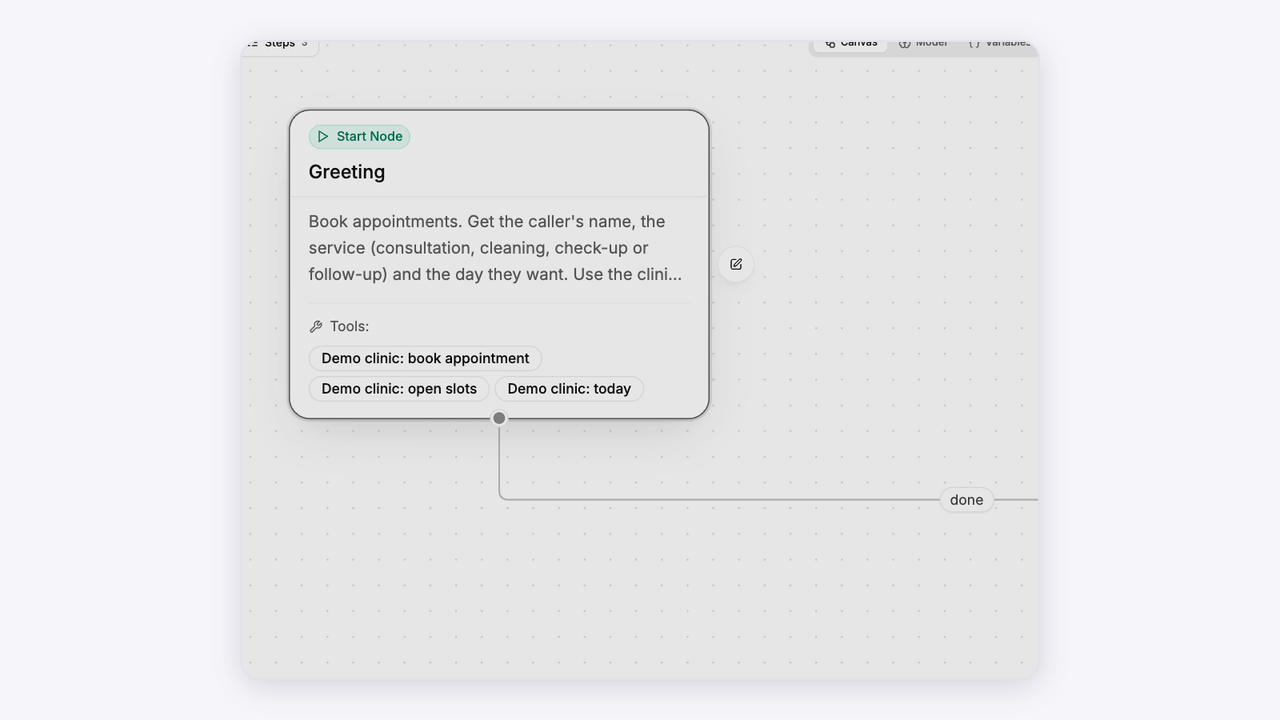
Create your booking agent

Start with the purpose of the visit and the details your team needs. Add the actions for looking up slots and making a booking.
Open Athena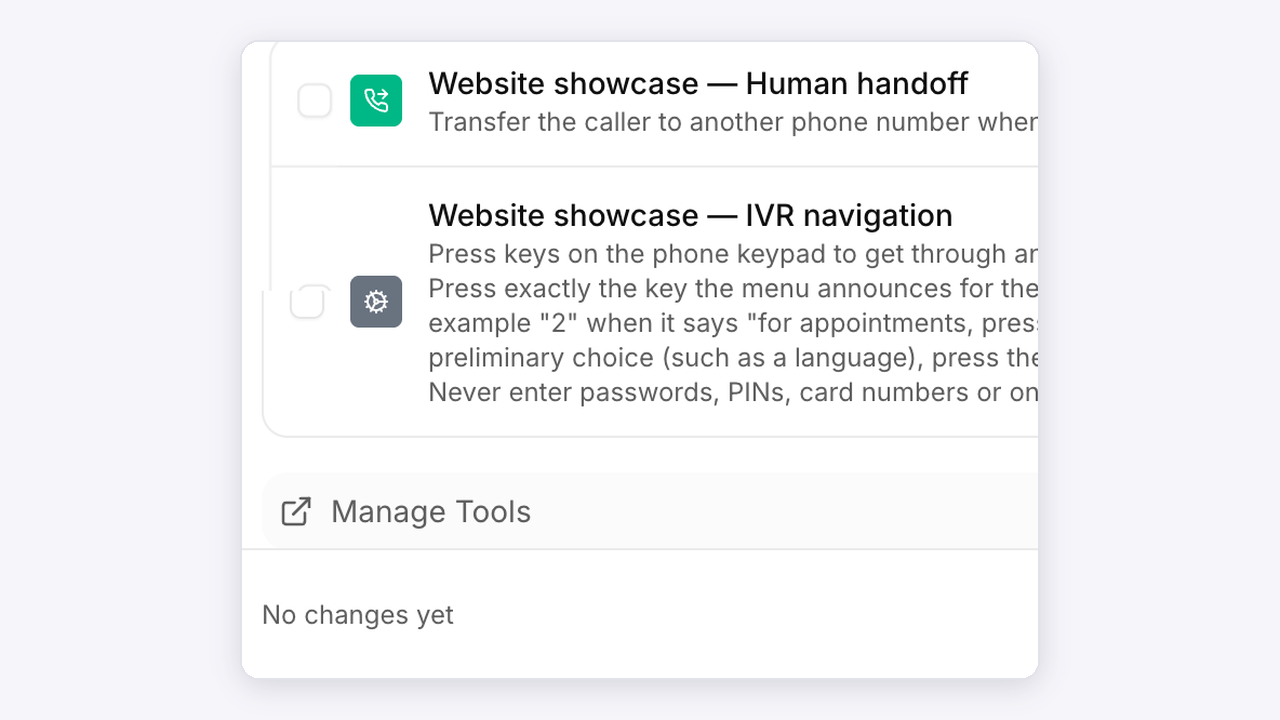
Connect your calendar

Configure the calendar or scheduling integration in your own workspace. Confirm the event, availability and time zone before testing.
Open Athena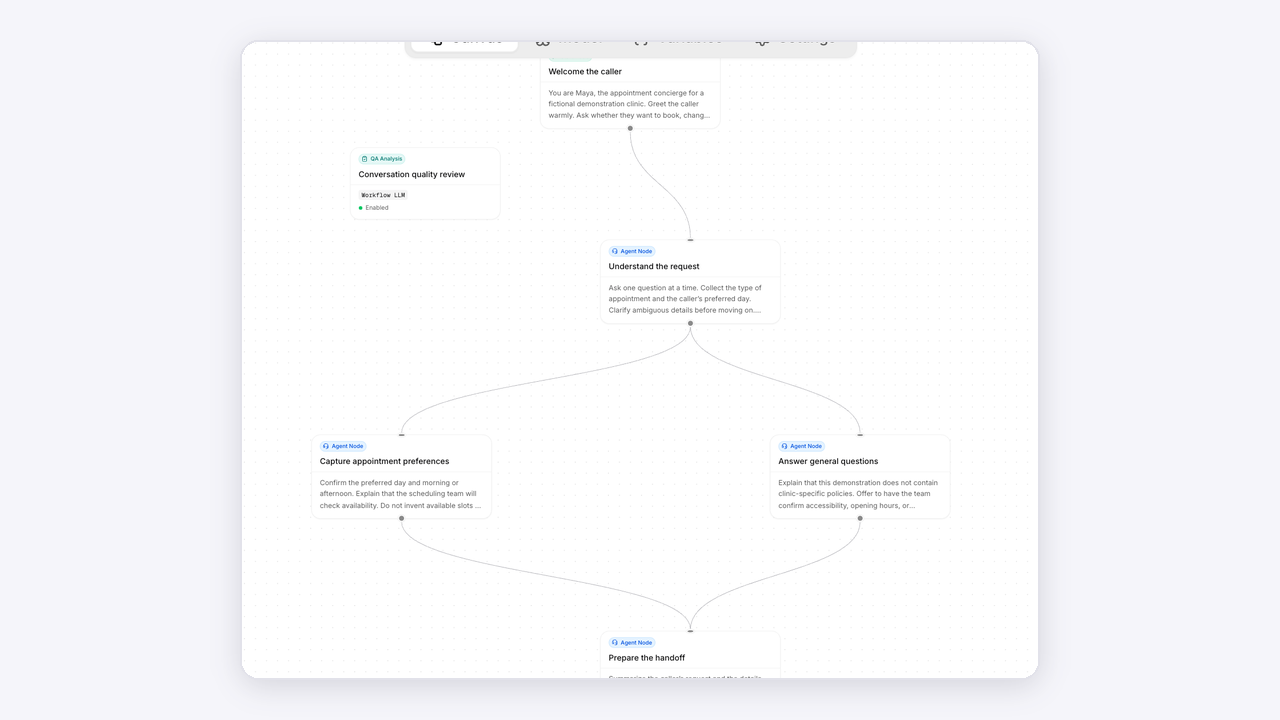
Shape the booking flow

Guide the conversation from a requested date to available choices, a selected time and a confirmed result. Allow callers to change direction.
Open Athena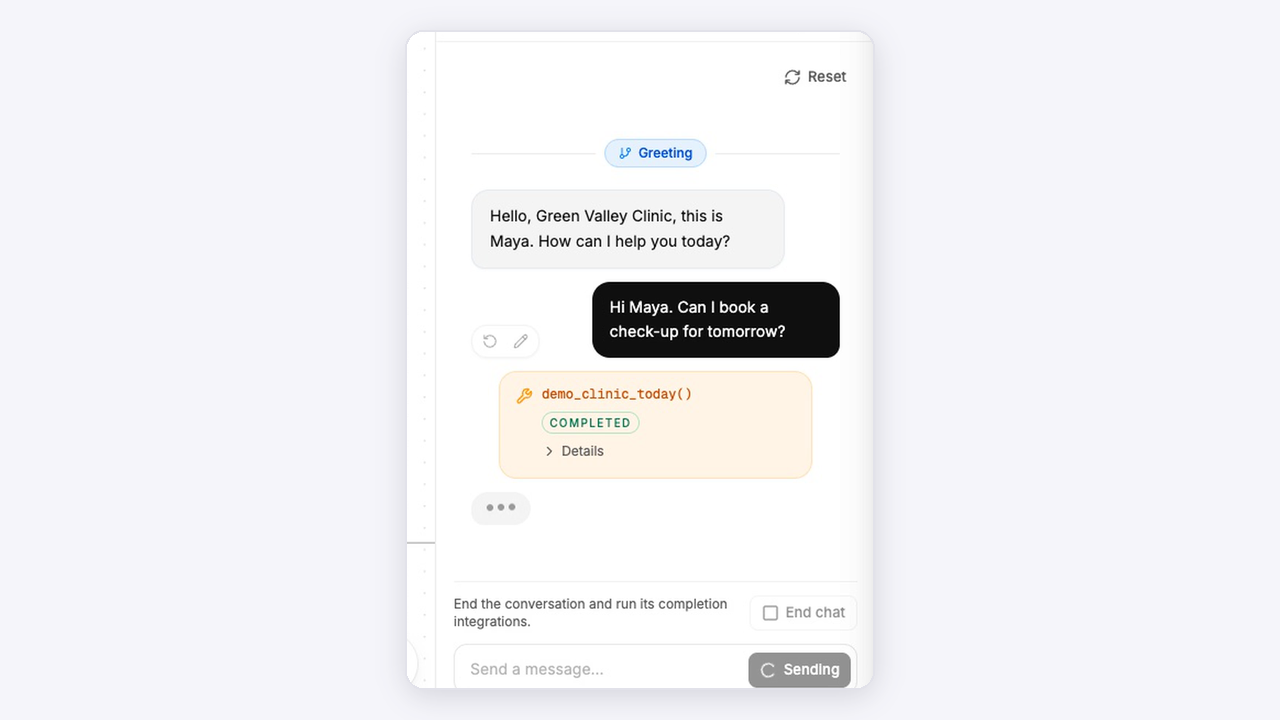
Test and refine

Test an available slot, a fully booked day and a rescheduling request. Inspect the tool result and the caller’s final confirmation.
Open AthenaAnimated setup illustrations. Explore the actual Athena workspace above.
Connected to your work
Your tools, in the conversation.
Bring knowledge, calendars and connected workflows into the agent’s next step.