 Athena v1Natural conversation, connected to real work.
Athena Solutions
Build the conversation. Connect the work. Keep improving.
AI knowledge base for voice agents
Move beyond prompt-only answers.
Approved guidance
Key points
- Keep sources current
- Use clear headings
- Remove conflicting guidance.
Files and context
Key points
- Use the right source
- Test common questions
- Check ambiguous requests.
Connected information
Key points
- Confirm the required context
- Inspect the result
- Escalate unanswered questions.
In your workspace
Give your agent the right context
See the real Athena controls up close. Switch to the full workspace for context, or enlarge the original capture to explore the details.
How to use a knowledge base, step by step
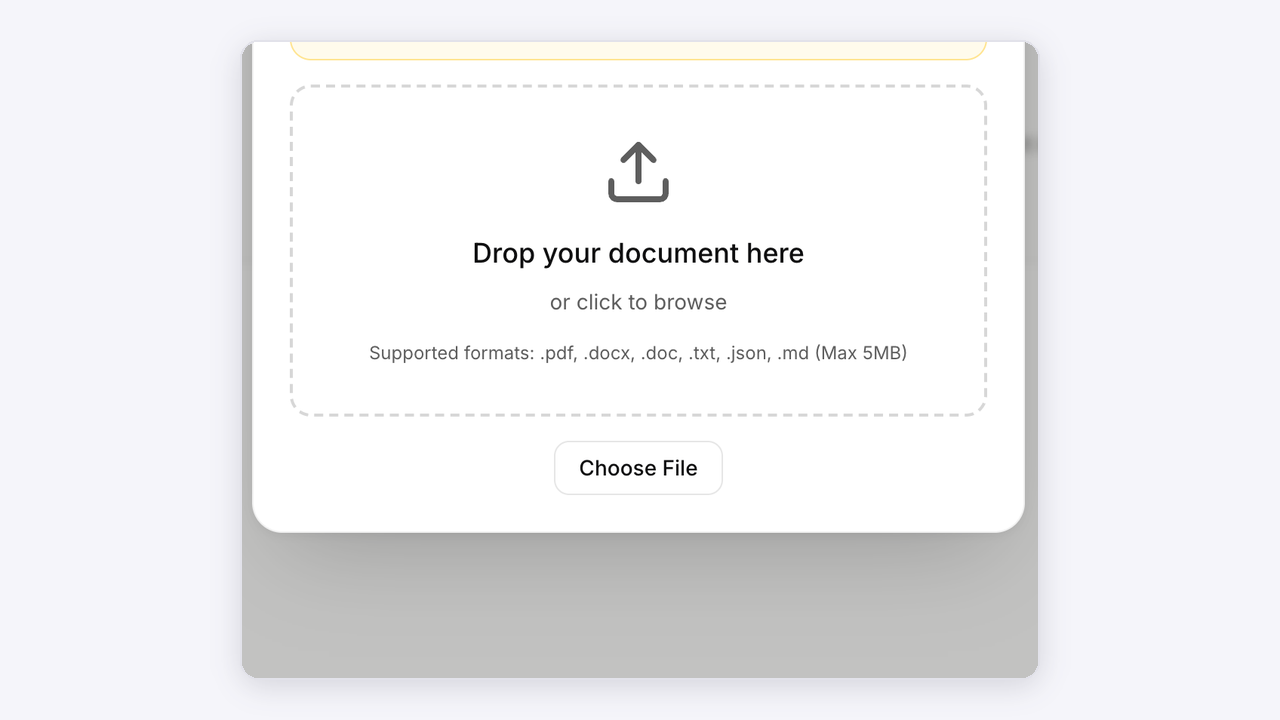
Create it

Gather the guidance your team actually uses. Resolve outdated or conflicting details so the agent has a useful source to work from.
Open Athena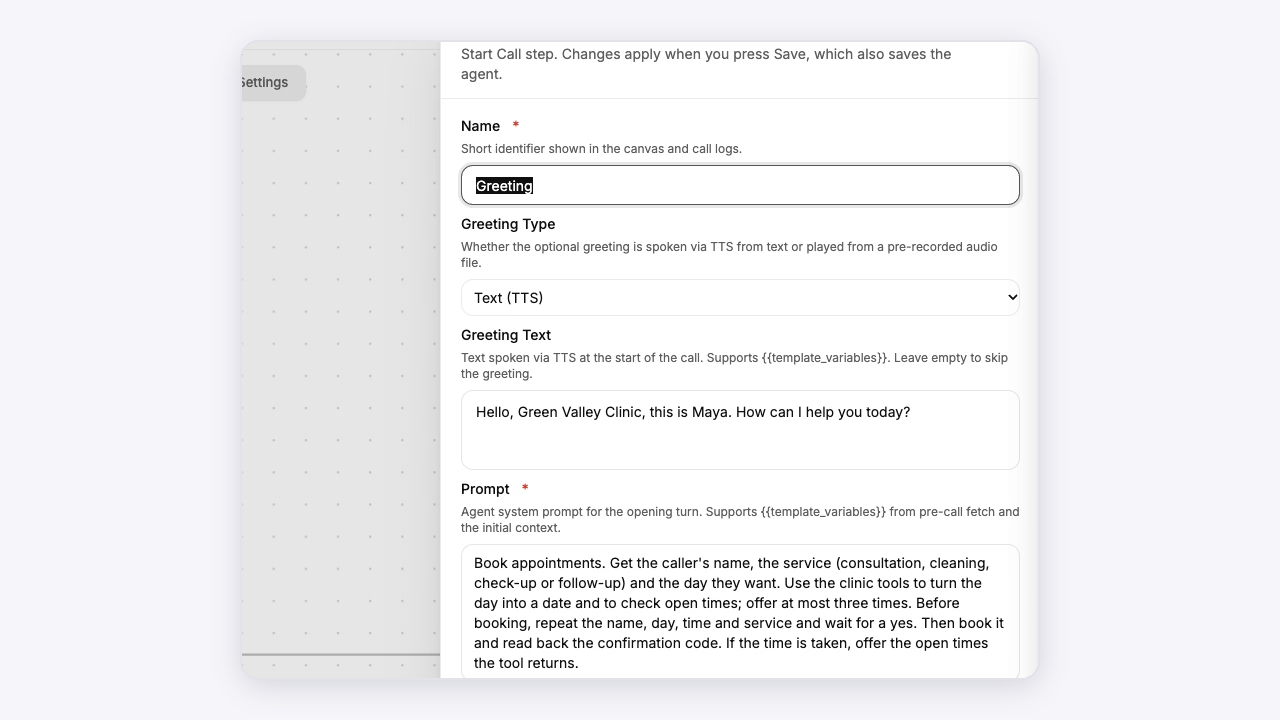
Add it

Add the approved material and relevant tools to the agent’s workflow in Athena. Keep the agent’s instructions clear about when to use them.
Open Athena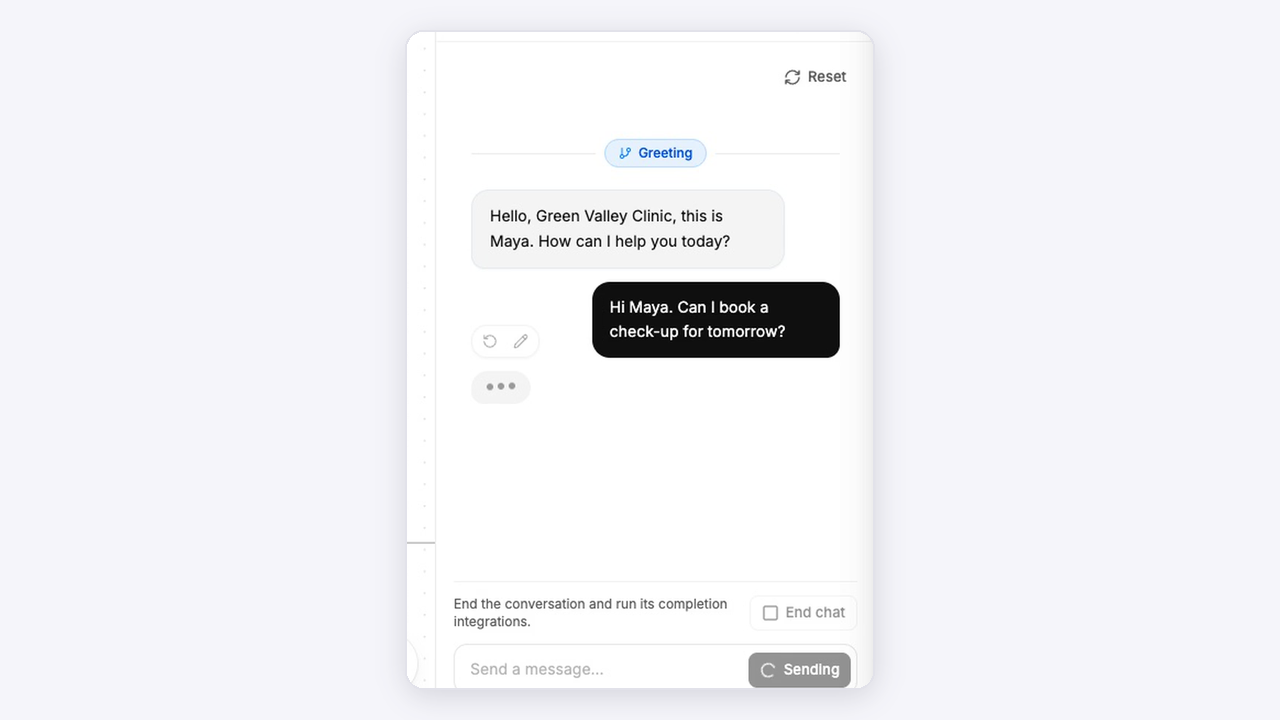
Test it

Ask ordinary questions, ambiguous questions and questions outside the available sources. Review the answers and the path to a human when needed.
Open AthenaAnimated setup illustrations. Explore the actual Athena workspace above.
Connected to your work
Your tools, in the conversation.
Bring knowledge, calendars and connected workflows into the agent’s next step.