 Athena v1Natural conversation, connected to real work.
Athena Solutions
Build the conversation. Connect the work. Keep improving.
Put your brand front and center on every call
A recognizable start to the conversation.
Recognizable identity
Provider-supported setup
Consistent outreach
Check the display
In your workspace
Keep caller identity with your telephony
See the real Athena controls up close. Switch to the full workspace for context, or enlarge the original capture to explore the details.
Set up Branded Call in just a few steps
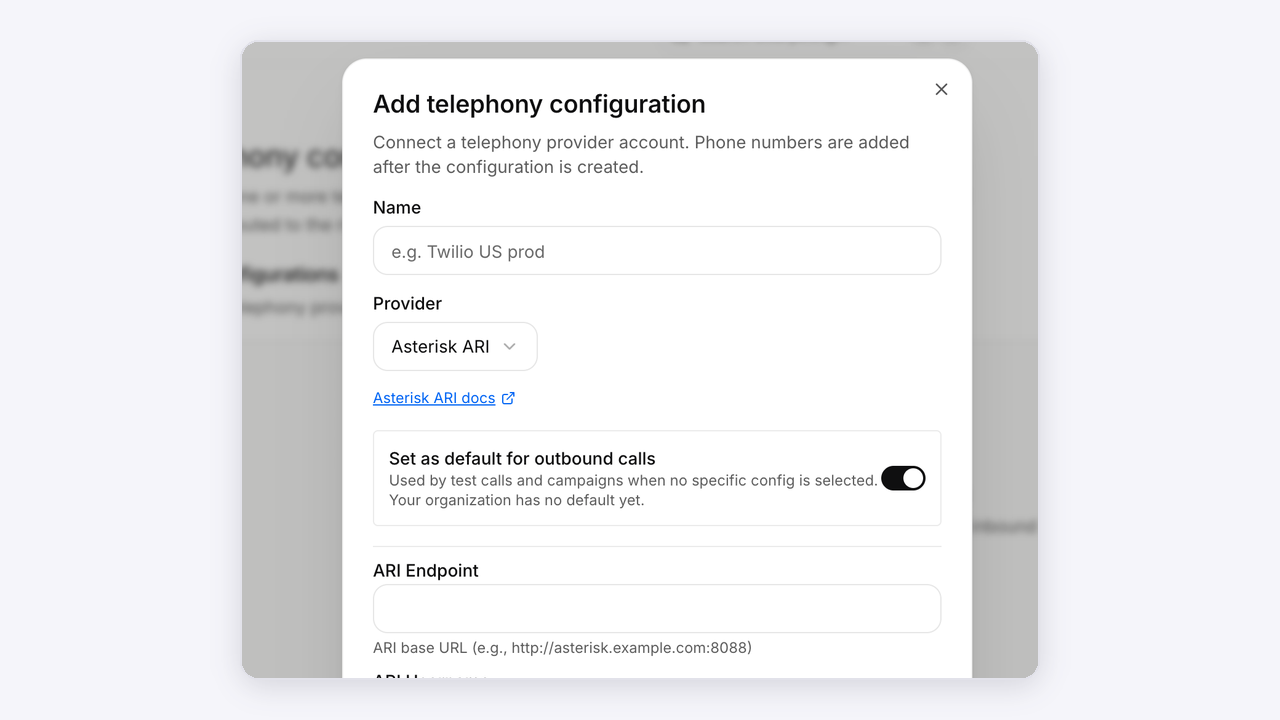
Connect your phone provider

Open Telephony in Athena and review the provider and numbers used for outbound calls.
Open Athena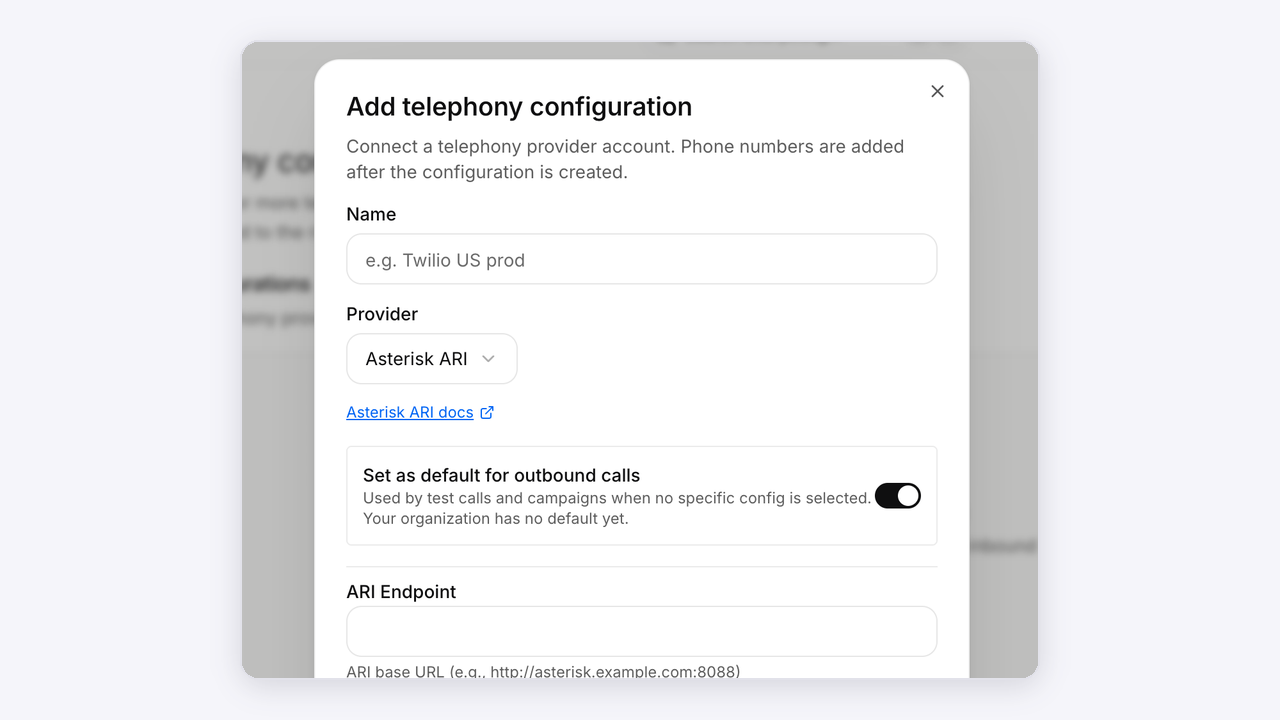
Configure the business identity

Use your provider’s supported process to configure or request the displayed business identity. Carrier support and approval requirements vary.
Open Athena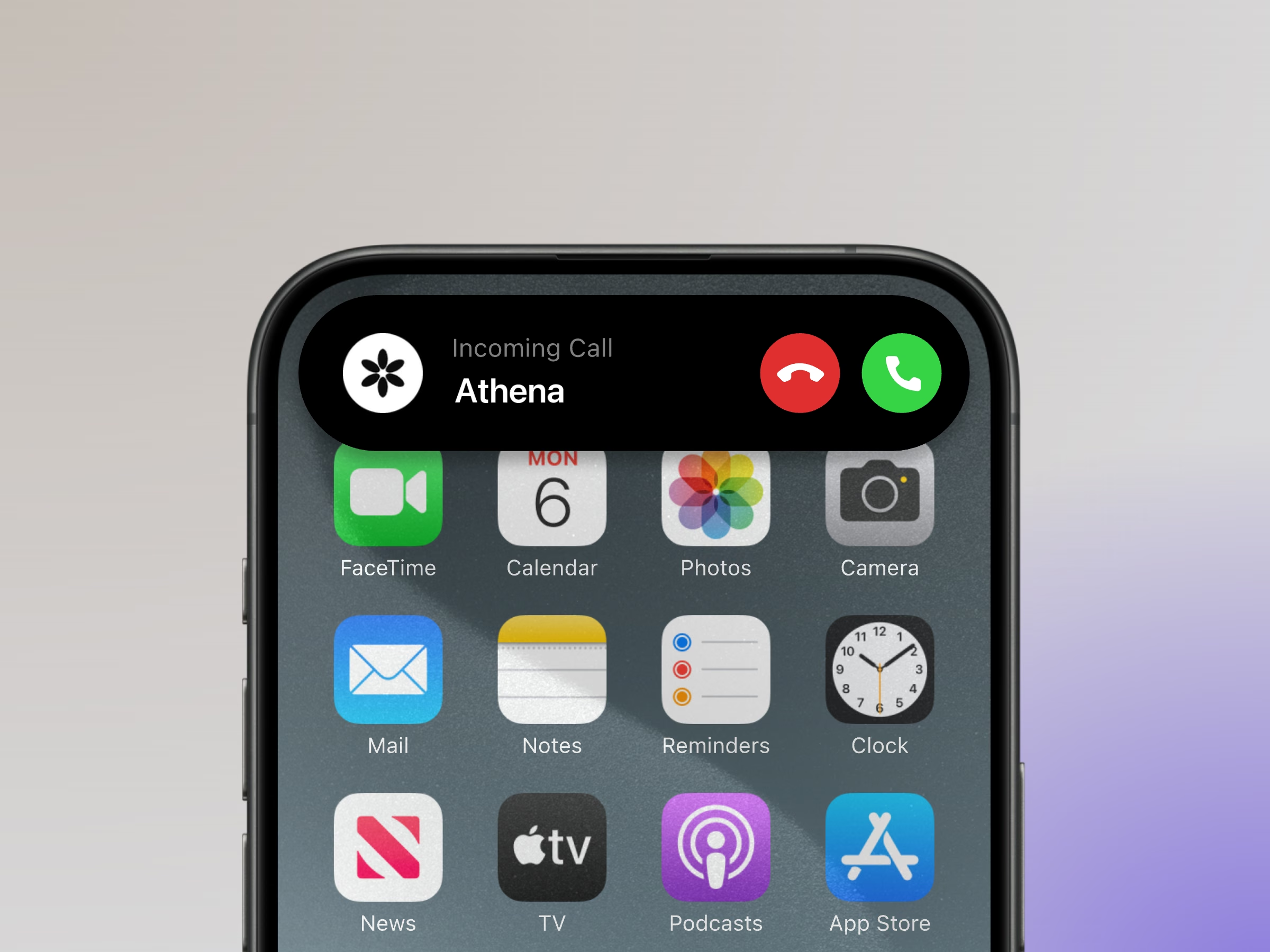
Check the destination network

Place a controlled test to the intended destination network and inspect the displayed identity before using it in a campaign.
Open AthenaAnimated setup illustrations. Explore the actual Athena workspace above.
Connected to your work
Your tools, in the conversation.
Bring knowledge, calendars and connected workflows into the agent’s next step.