 Athena v1Natural conversation, connected to real work.
Athena Solutions
Build the conversation. Connect the work. Keep improving.
Press less. Get more. Navigate IVR easier.
Get through the menu to the work that matters.
Let Athena follow phone-menu instructions and use keypad actions within a connected call workflow.
Overview
Get through the menu. Get to the work.
Phone trees should be a step in the journey, not its destination. Give the agent an objective, the ability to send keypad input and a plan for unexpected menu choices.
In your workspace
Navigate phone menus in your workflow
See the real Athena controls up close. Switch to the full workspace for context, or enlarge the original capture to explore the details.
How It Works
Fast and easy to set up
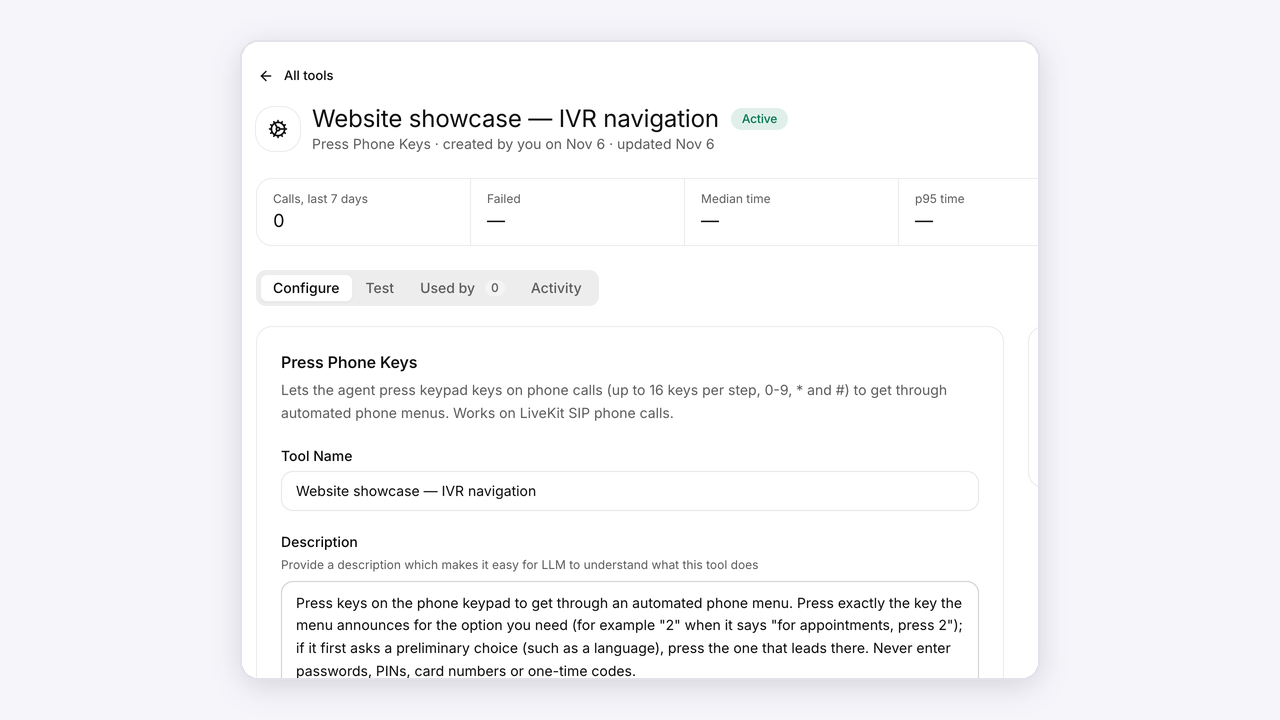
Enable keypad actions

Open the keypad tool in Athena and attach it to the agent that will encounter a phone menu.
Open Athena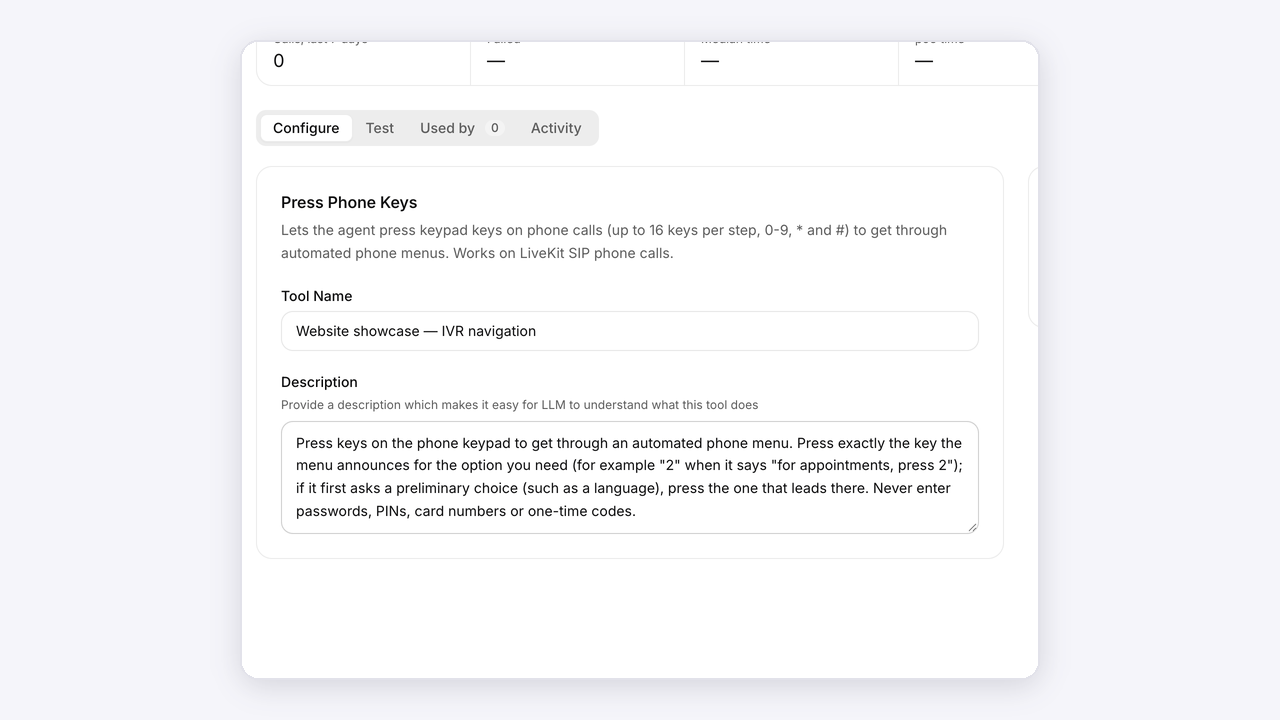
Define the route

Describe the destination and when the agent should send digits. Include what to do if the expected option is not offered.
Open Athena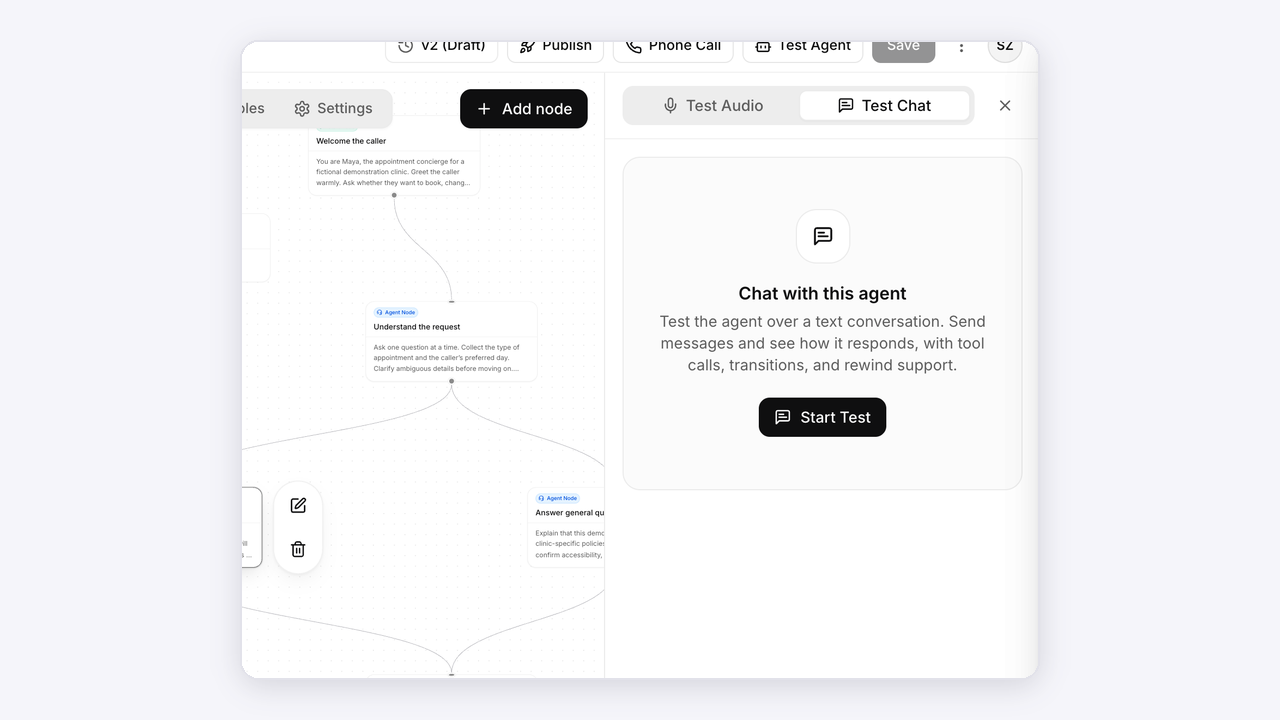
Test the menu

Try the real menu, a repeated prompt and an unavailable destination. Confirm that the caller’s original objective stays intact.
Open AthenaAnimated setup illustrations. Explore the actual Athena workspace above.
Connected to your work
Your tools, in the conversation.
Bring knowledge, calendars and connected workflows into the agent’s next step.
KnowledgeCalendarsTelephonyConnected toolsWorkflows
Explore integrations